
How it works
Choose a video
Open TuneGrab, tap Extract Music, and select a video from Photos or Files using the system picker. The video needs a usable audio track.
Extract and preview
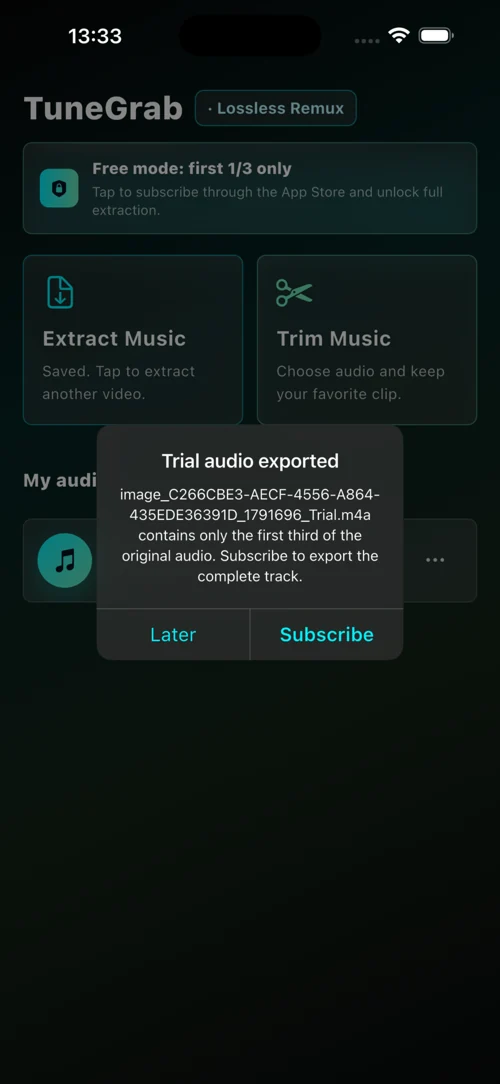
Wait for extraction, then listen to the result in the app. Free mode exports the first third of the source audio; an active Pro subscription unlocks full extraction.
Save or share
The result appears in your local audio library. Use the system share sheet to export it elsewhere, or continue by trimming a clip.
Does extracting audio change its quality?
Extraction copies the audio stream without re-encoding when the source audio codec can be packaged in M4A. This preserves the original audio stream. M4A is a container, so not every source is compatible; a video with an unsupported track or no audio track may not extract successfully.
Where does the audio go on iPhone and iPad?
- Audio is saved in TuneGrab's local documents folder and is visible in the Files app under On My iPhone or On My iPad.
- Use the system share sheet to save a copy to another location or app.
- Existing names receive a numbered suffix so exports do not overwrite source files.
How do I convert a video to MP3 on iPhone?
First use Extract Music to save the video's audio as M4A. Open Trim Music, select that file and the section you want, then choose MP3 when saving. Extraction itself outputs M4A; MP3 is created during audio editing export. Edited exports are re-encoded, unlike copying the original audio stream.
What can you use it for?
Your own recorded performances, authorized interviews, course materials you have permission to edit, or other local videos you may legally process. TuneGrab does not download online videos or bypass copyright protection.