Video to audio+Visual waveform trimming+M4A / MP3 export+Media stays on your device
FEWER STEPS. MORE INSPIRATION.
Two things. Done just right.
No jumping between tools. From a video to your next audio clip.
01 / EXTRACT
Extract audio from video. Save it as M4A.
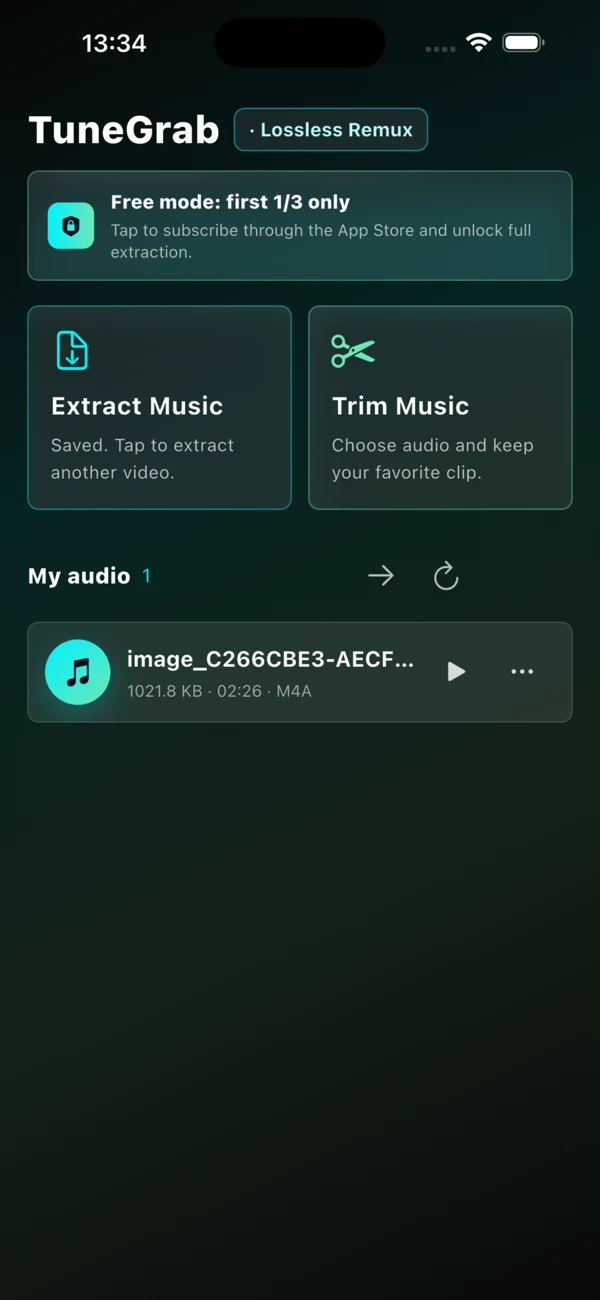
Choose a video from Photos or Files and extract M4A audio. When the source codec is compatible, stream copying preserves the original audio without re-encoding.
TuneGrab processes video and audio on your device. No app account or cloud space needed. You choose the material, keep the files, and decide what to share.
Prices, periods, and auto-renewal terms are shown in the app and App Store.
A FEW THINGS YOU MIGHT WONDER
Good questions. Simple answers.
Is this an online audio converter?+
This website introduces TuneGrab and provides its app download link. Audio extraction, playback, and trimming happen in the installed app. The website also offers public video link downloads and does not accept your local media uploads.
How does audio quality change?+
Video extraction copies the source audio stream into M4A without re-encoding when the codec is compatible. Edited M4A and MP3 exports are re-encoded. Read the extraction guide for details.
What are the free limits?+
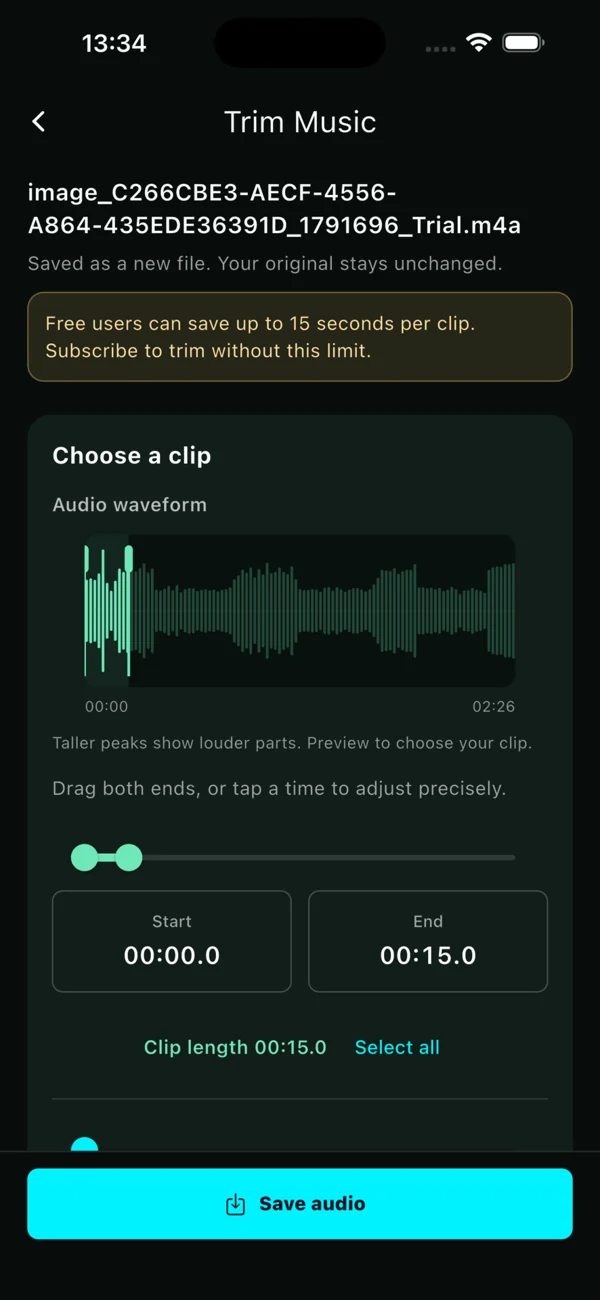
Free mode extracts only the first third of the source audio and saves trimmed clips up to 15 seconds. An active Pro subscription unlocks full extraction and removes the 15-second clip limit.
Can I trim an existing audio file?+
Yes. Tap Trim Music and choose a file from the app's audio library or the Files app. There is no need to extract a video first. Saving creates a new file and keeps the original.
Where are my audio files saved?+
On iPhone and iPad, use the Files app to view the local TuneGrab folder. The system share sheet also lets you save a copy elsewhere or send it to another app.
Which devices and languages are supported?+
This website provides the Apple App Store download for iPhone and iPad. The app supports English, Simplified Chinese, and Traditional Chinese. Exact system requirements and regional availability are listed on the App Store.